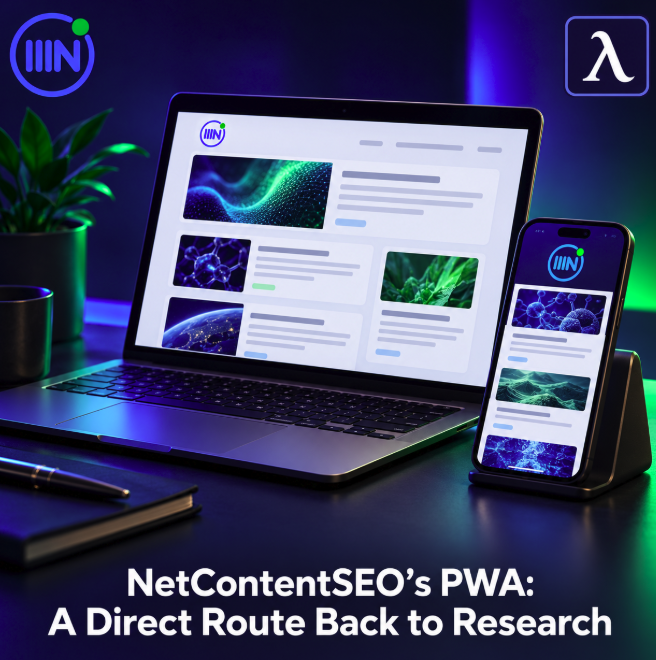
NetContentSEO has announced an installable Progressive Web App for its coverage of SEO, GEO, AI Search and AI visibility. According to the announcement, readers can install the experience on desktop and Android through compatible browsers, or add it to the Home Screen on iPhone and iPad.
The installed experience runs in standalone mode with NetContentSEO branding. For a research publication, the immediate product proposition is simple: make a familiar source easier to open again from the reader’s device.
Discovery and returning are different journeys
A publication can attract a reader through a useful answer to a search query. Keeping that reader’s attention over time involves another set of decisions: whether the coverage remains relevant, whether the source is easy to remember and whether returning fits into an existing routine.
A PWA adds a visible entry point to that routine. Someone who regularly checks developments in AI Search can choose an app icon instead of searching for the publication again or finding an old browser tab. That convenience is the editorial opportunity we see in this announcement.
The icon does not create a reading habit on its own. It gives an existing or emerging habit a place on the device. The content still has to justify the next visit, and the installed experience still has to make navigation comfortable.
A website with an installation path
The announced installation route starts on the website. It does not require readers to find a separately announced app-store listing. Browser support and the operating system determine the available steps, so a clear explanation should accompany the invitation to install.
For readers, the useful information is where to find the command and what they will open afterwards. Technical implementation details matter to the publisher, but the installation invitation should help a person complete a task rather than ask them to learn the web platform.
The announcement establishes an installable, branded access experience. It does not by itself establish offline reading, push notifications or faster loading. Those features need their own evidence and should be explained separately if available.
How to install on desktop and Android
Open the NetContentSEO website in a compatible browser. On desktop, look for an installation icon near the address bar or an installation option in the browser menu, then confirm the prompt.
On Android, the option may be labelled “Install app” or “Add to Home screen”. Follow the instructions displayed and check the entry added to your device. Different browsers can produce different installation experiences.
The web.dev installation guide describes these platform differences. If the expected control is absent, check the browser and its menu. These are general installation instructions alongside the product announcement, rather than results from our own device testing.
How to add it on iPhone and iPad
Open the website in Safari, use the Share menu and choose “Add to Home Screen”. Confirm the name and complete the addition. The resulting icon provides a way to open the publication from the device’s screen.
The exact position and wording of controls can vary with the operating-system version. NetContentSEO’s announcement identifies this Home Screen route for iPhone and iPad users; follow the prompts available on your device.
Measure the relationship after installation
For publishers assessing this approach, the meaningful questions come after someone installs. Do they return? Do they read more than the article that introduced them? Does the installed experience remain useful a few weeks later?
Installation counts can describe uptake, but they do not answer those questions. Repeat reading and continued use provide a better basis for deciding whether the access route earns its place in the publication’s product strategy.
Keep that evaluation separate from search visibility. Installing a publication does not prove higher rankings, more AI citations or a larger audience. NetContentSEO’s announced PWA adds another route to its research, while the effect on engagement remains something to measure.
For frequent readers, the choice is practical: if this coverage is already part of your work, a dedicated entry point may make returning more convenient. For publishers, the broader lesson is to design the next visit as carefully as the first encounter.